Are Instagram Unfollower Apps Safe?
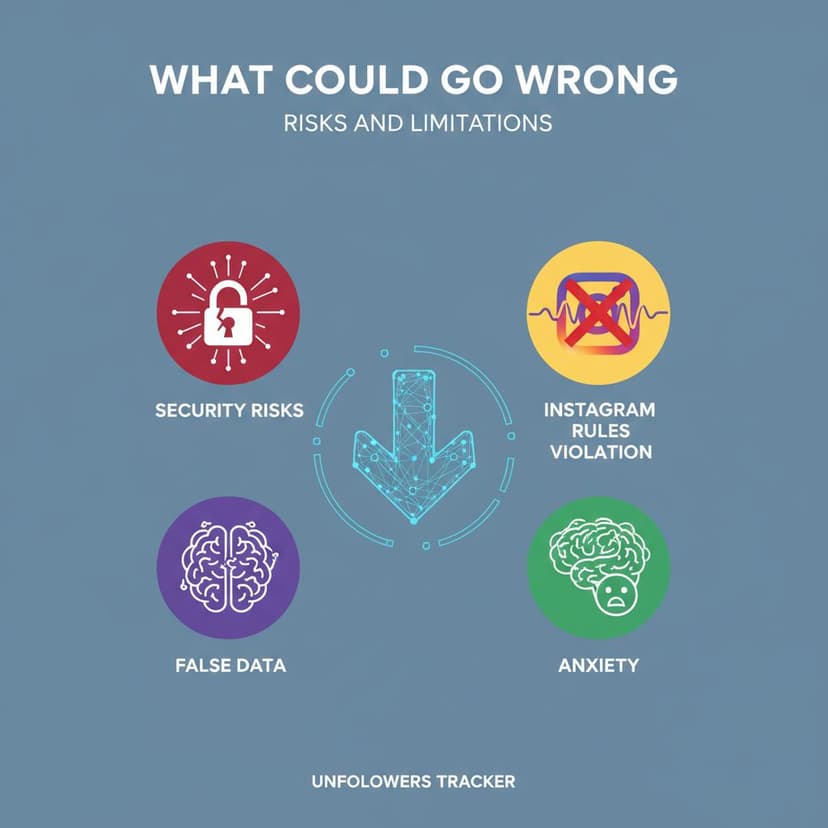
An app that asks for your Instagram username and password is not safe, and the reason is structural rather than a matter of trust. No Instagram API returns a list of your followers' usernames, so an app that shows you one is signed in as you — with everything that implies.
The credential is the whole test, and applying it to an Instagram unfollower app takes 5 seconds. Apps that read a file you downloaded yourself are safe by construction; apps that need your login hold your account, and no privacy policy changes what they are technically able to do with it.
What are you actually handing over?
Three kinds of tool get called an unfollow tracker, and they are not comparable. The middle row is the one the "is who unfollowed me safe" question is really about.
| Type | What it asks for | What it can do with it |
|---|---|---|
| Export reader | A file you downloaded | Read that file, nothing else |
| Login-based app | Username and password | Everything you can do |
| "Connect with Instagram" app | A professional account token | Post, read insights, message |
A login-based app can post, delete, follow, unfollow, read your DMs and change your email — not because it advertises those things, but because Instagram cannot tell it apart from you. The scope of the risk is set by the credential, not by the feature list.
Can an app read your followers list at all?
Not through any official route. The Instagram Graph API returns a follower count and never the usernames behind it, and the old Basic Display API, which was the only consumer-facing option, shut down on 4 December 2024.
The replacement, Instagram API with Instagram Login, works only for Creator and Business accounts and still exposes no follower list. So every app displaying names is either signed in as you or scraping — the details of what apps can and cannot reach are in third-party apps and Instagram data access.
Can Instagram ban you for using one?
An outright ban is rare; the common outcome is an action block. Instagram detects the automated traffic coming from the app rather than the app itself, and it restricts the account that traffic came from — yours.
An action block stops you following, liking or commenting for hours to days, lifts on its own, and comes back faster on the next offence. Accounts that keep triggering it get a longer restriction, and repeated automation is the case where Instagram does disable accounts.
The unfollowing feature is the risky half. Reading a list is one request; "unfollow everyone who does not follow back" is hundreds in a row, which is exactly the pattern the detection is built for.
Step 1: Remove the app's access
Do this first, because it is the only step that stops the app acting while you carry out the rest.
Open Settings, then Website permissions, then Apps and websites. Remove everything you do not recognise or no longer use. Access ends immediately, and nothing you removed can act on your account again.
Step 2: Change your password and read the login activity
Removing an app does not invalidate a password you typed into it. Change the password to one you use nowhere else, which logs out every other session.
Open Settings, Accounts Centre, Password and security next, and check Where you're logged in. Sessions in places you have not been are the signal that the credential travelled further than the app.
Step 3: Turn on two-factor authentication
Two-factor is what makes a stolen password insufficient on its own. It sits in the same Password and security screen.
Choose an authentication app over SMS where you can. SMS codes are interceptable through SIM-swap attacks, and an authenticator keeps the second factor on the device in your hand.
What the archive holds, file by file, is in the export guide.
What is the safe alternative?
Your own data export, which Instagram provides and which no third party has to touch. It contains the follower and following lists as JSON, and comparing them gives you the same answer with no credential involved.
The comparison shows who does not follow you back rather than who left, and the method is written out here.
If an app already has your password and the account is gone, start with how to recover a hacked account.
FAQ
The 5 questions below cover what these apps can reach, what Instagram does about them, and what to do if you have already used one. All answers reflect Instagram's platform in September 2026.
Is an Instagram unfollower app safe?
Not if it asks for your password. That hands over full account access, which no setting limits afterwards. Tools that read your own downloaded export never ask for one.
Can Instagram ban me for using an unfollow tracker?
An action block is the usual outcome, not a ban. It stops you following or liking for hours to days, and it repeats faster each time it is triggered.
How do these apps get the list of names?
By signing in as you, since no Instagram API exposes follower usernames. The consumer-facing Basic Display API closed on 4 December 2024 and never returned one.
I already gave an app my password. What now?
Remove its access in Apps and websites, change your password, check where you are logged in, and turn on two-factor authentication — in that order.
Are paid unfollower apps safer than free ones?
No. The payment changes the business model, not the access: a paid app that needs your login holds exactly the same control over the account as a free one.

Track Your Instagram Unfollowers
Discover who stopped following you and optimize your growth strategy with our free tool.
Discover Unfollowers